Publish from WordPress
Send new posts, pages, and public custom post types from the workflow you already use.
WordPress to Buffer plugin
Turn new and evergreen posts into ready-to-publish Buffer updates with less manual work. A consistent queue can help create more opportunities for reach, engagement, site visits, and revenue without promising results.
Version 1.6.0 · WordPress 6.0+ · PHP 7.4+ · GPLv2 or later

More value from every post
Choose what publishes, where it goes, and when it enters the queue. Then keep useful content working without rebuilding every social post by hand.
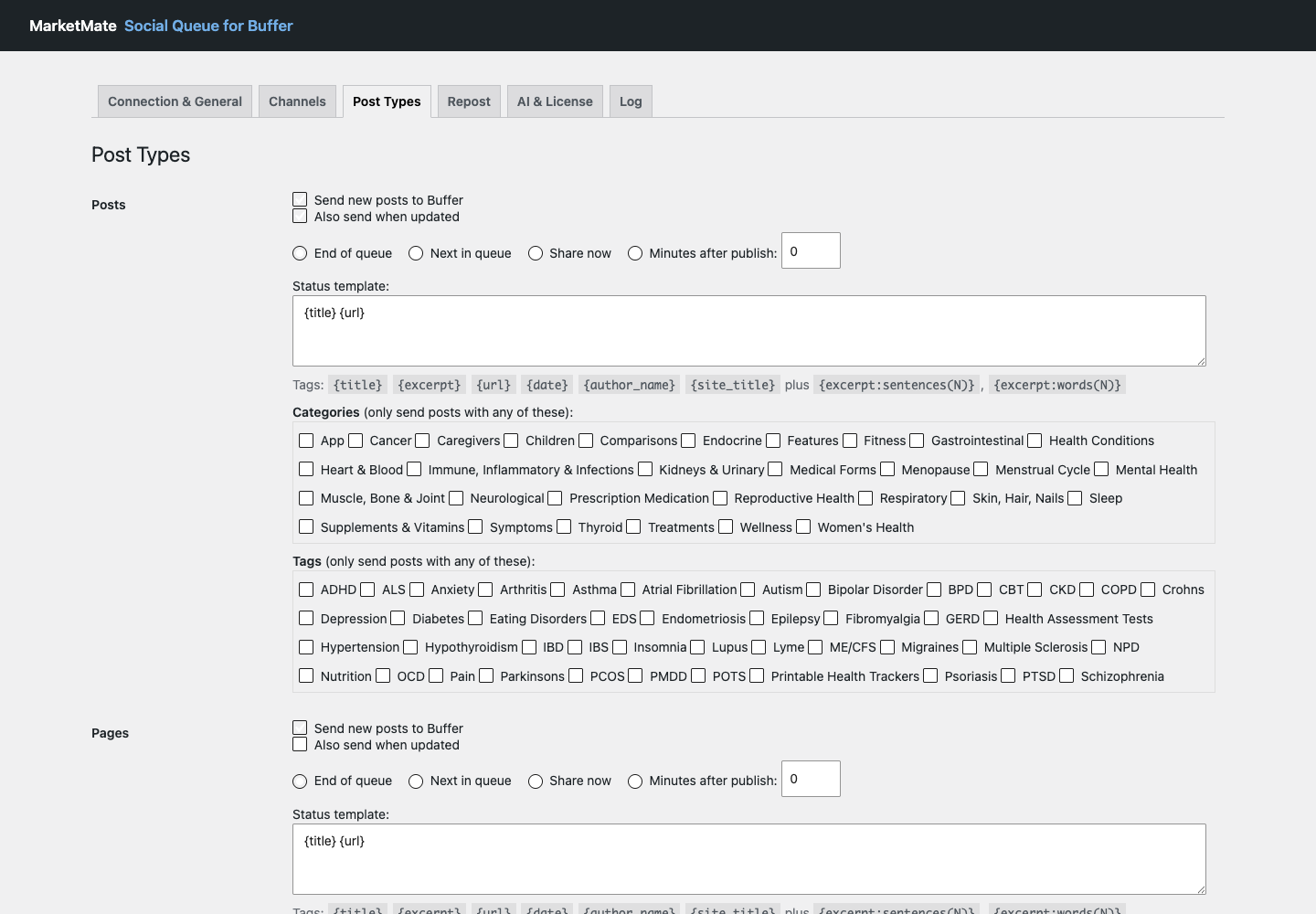
Send new posts, pages, and public custom post types from the workflow you already use.
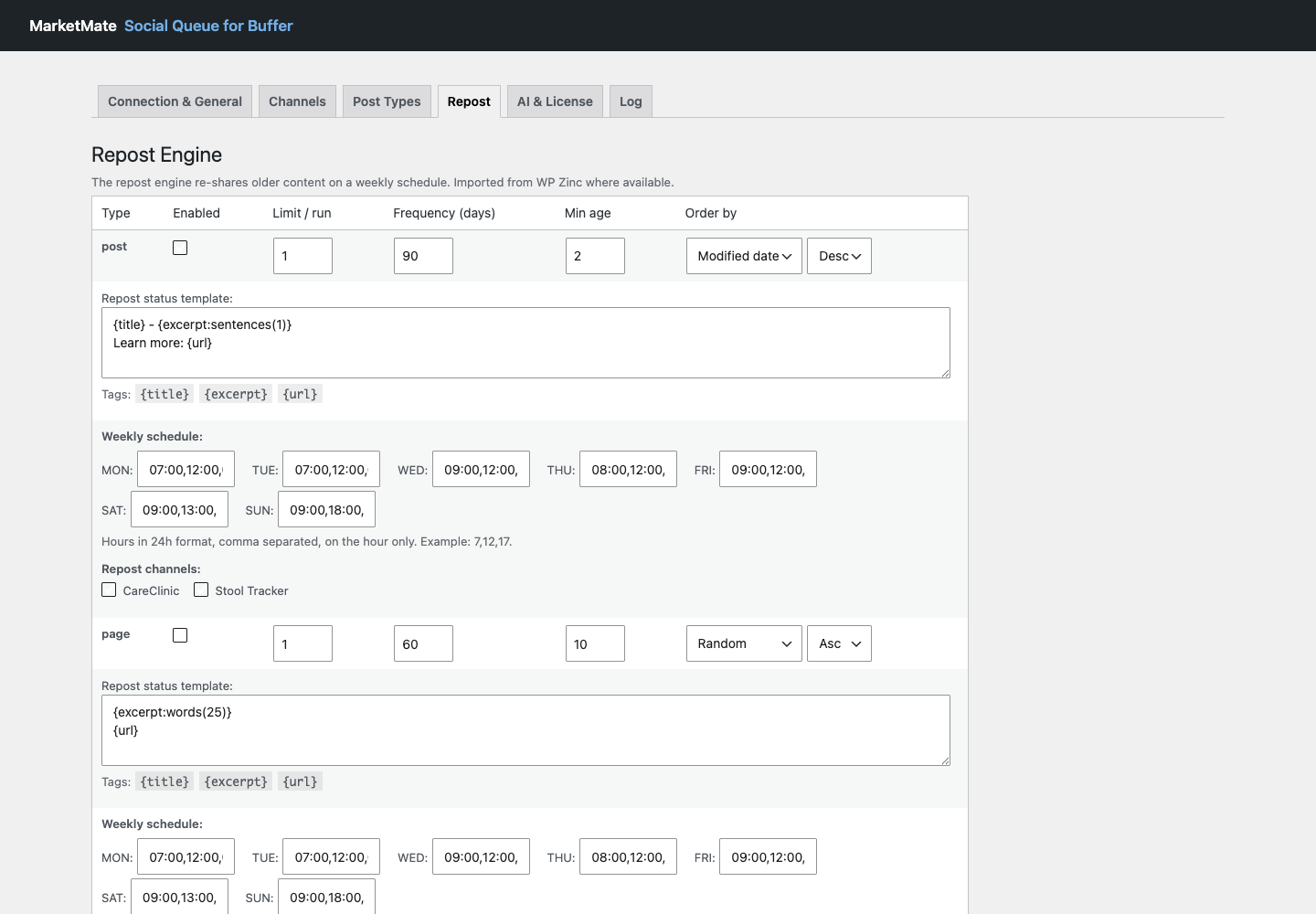
Use basic evergreen reposting free, or add advanced cadence and multi-channel controls with Premium.
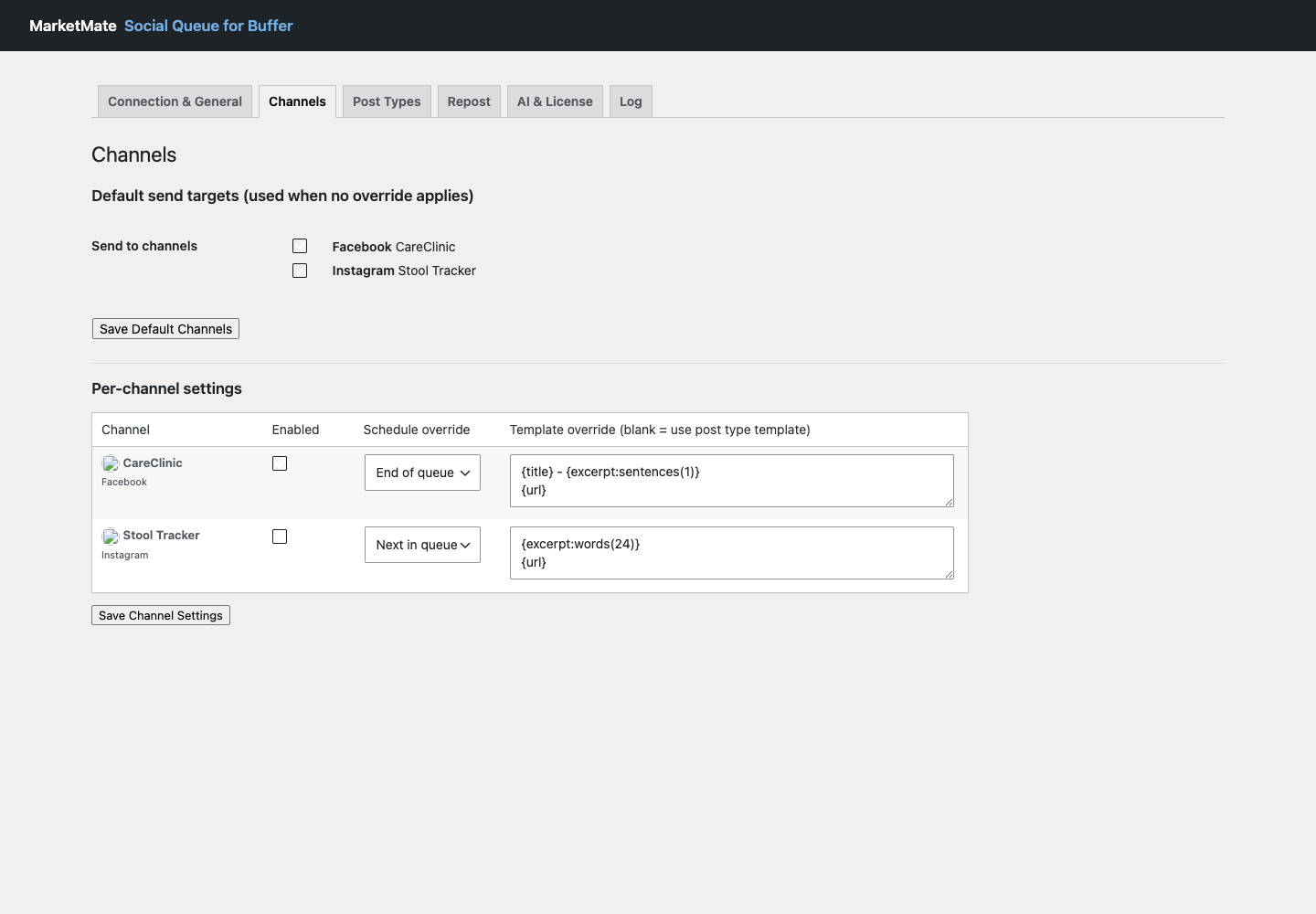
Premium adds per-channel templates, schedule overrides, and advanced media controls.
Use Test Mode or Buffer drafts to check text, timing, and destination first.
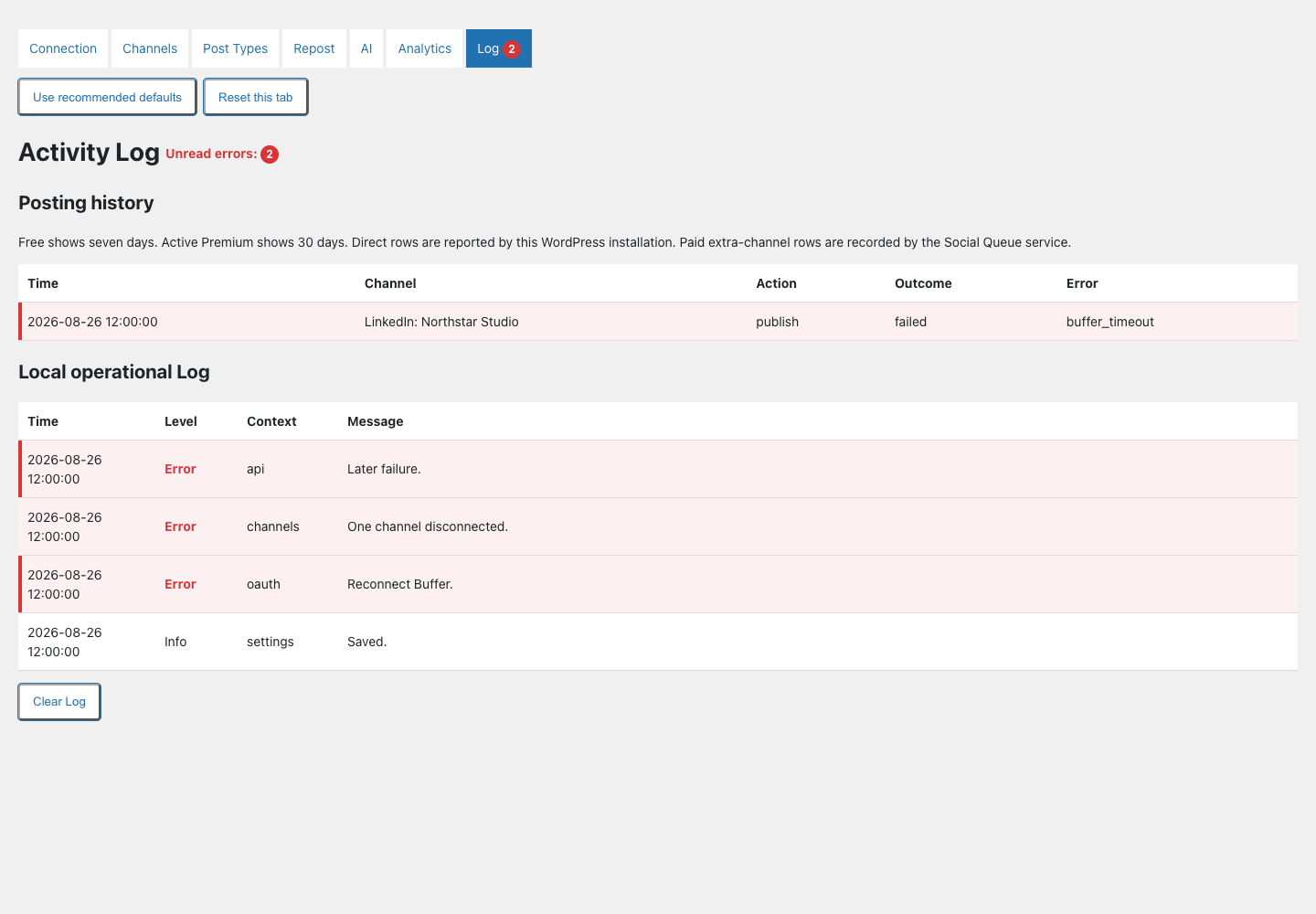
Review seven days of posting history free or 30 days with active Premium.
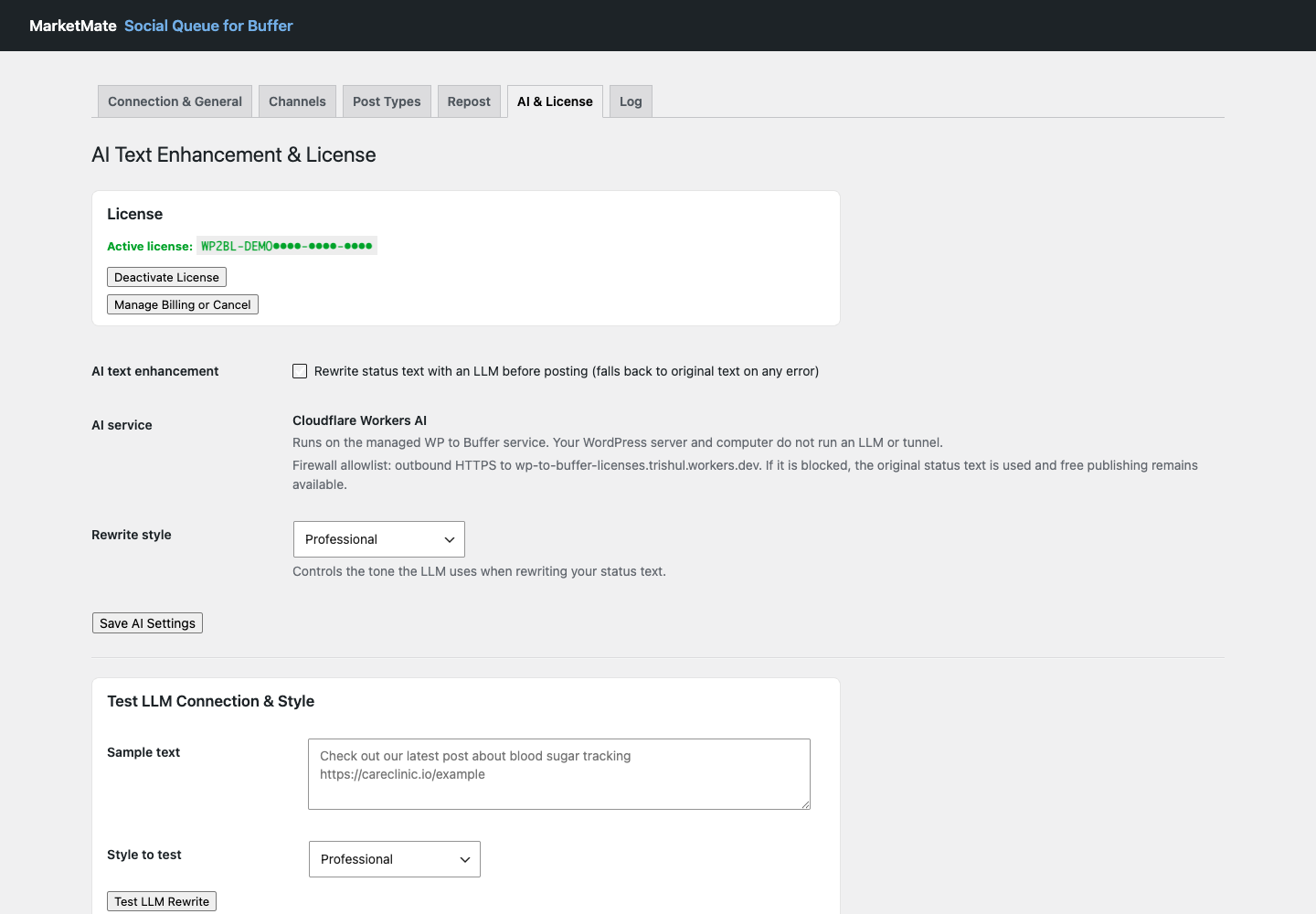
Connect your own supported AI provider and pay that provider directly for usage.
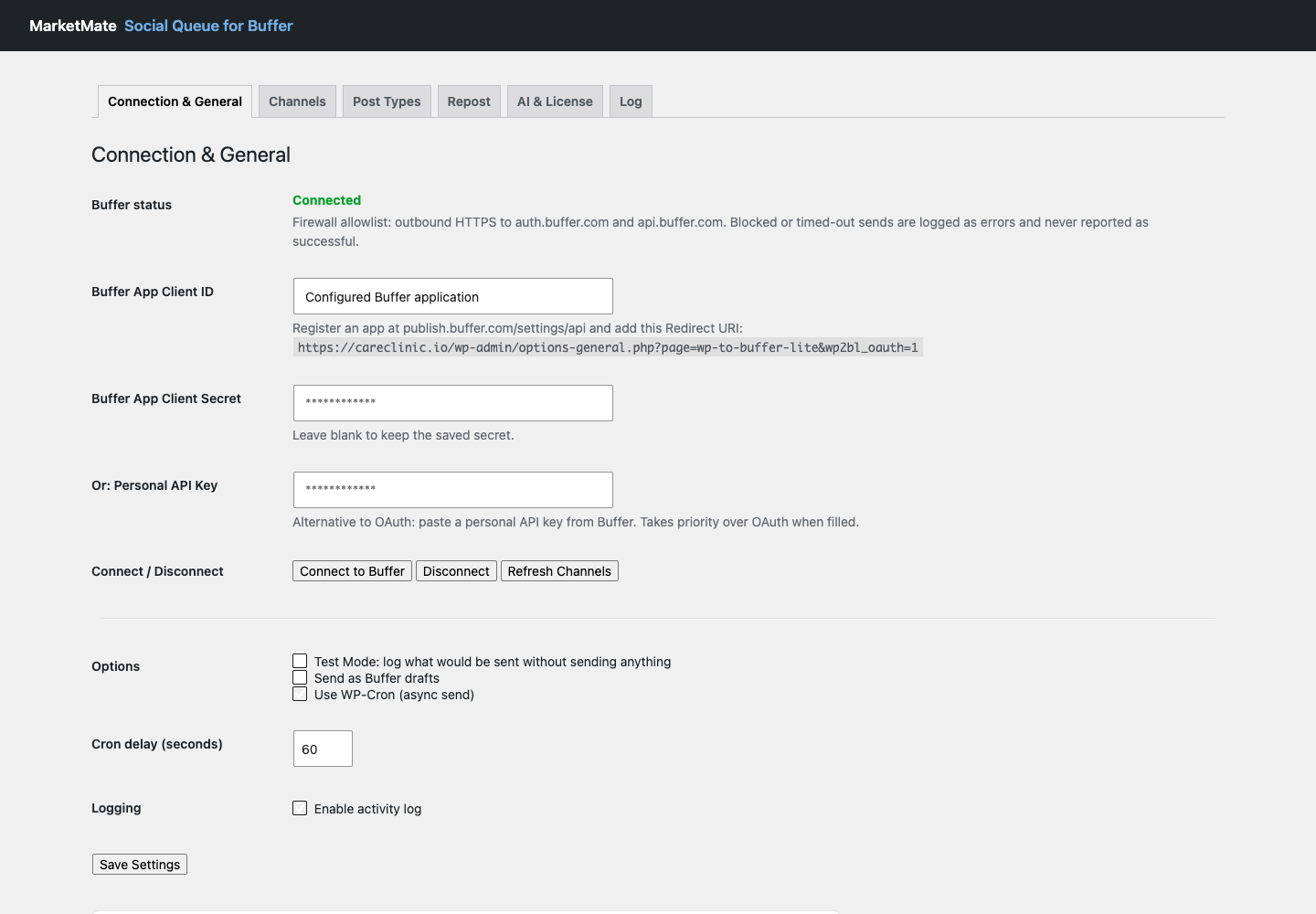
Actual plugin screens
Free plugin
$0
Download version 1.6.0Social Queue Premium
One WordPress site per license. Stripe handles checkout, recurring billing, invoices, payment details, and cancellation.
Supported destinations
TikTok is not enabled or marketed for automatic posting in version 1.6.0.
Content formats
One Buffer channel, new-post publishing, queue scheduling, Test Mode, Buffer drafts, basic templates, basic one-channel reposting, and 7 days of posting history.
Premium supports OpenAI, Anthropic, and Google Gemini. You add your own customer API key in WordPress, your provider bills your usage, and a failed rewrite keeps the original social text.
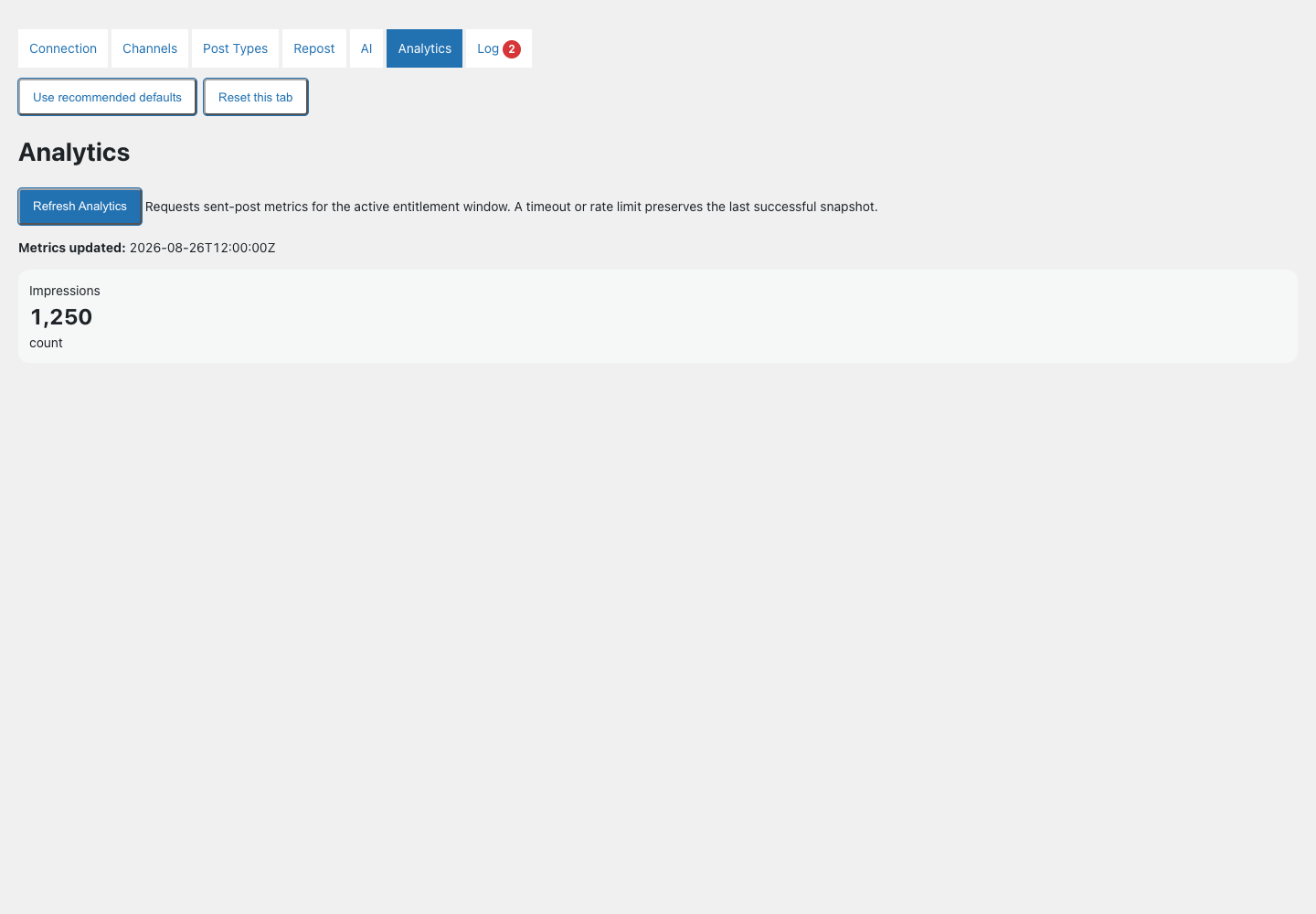
Analytics requires active Premium and a personal Buffer API key. Buffer does not provide post metrics to the current OAuth integration.
Premium stays active through the paid period. After that, the plugin returns to one channel and seven days of history. Your Premium settings stay saved and are restored when you reactivate.
Free one-channel publishing stays available. Recently verified Premium access receives only the bounded grace period shown in the plugin. Failures are recorded instead of reported as successes.
Email [email protected]. You can also review the privacy policy and terms before purchase.
No. Social Queue for Buffer is an independent MarketMate plugin. It can import compatible legacy WP Zinc settings, but it is not affiliated with or endorsed by Buffer or WP Zinc.
Connect Buffer, test your publishing rules, and add Premium when you need more channels, longer history, analytics, or customer-key AI.
Download Social Queue for Buffer